Check the AI Assistant channel first
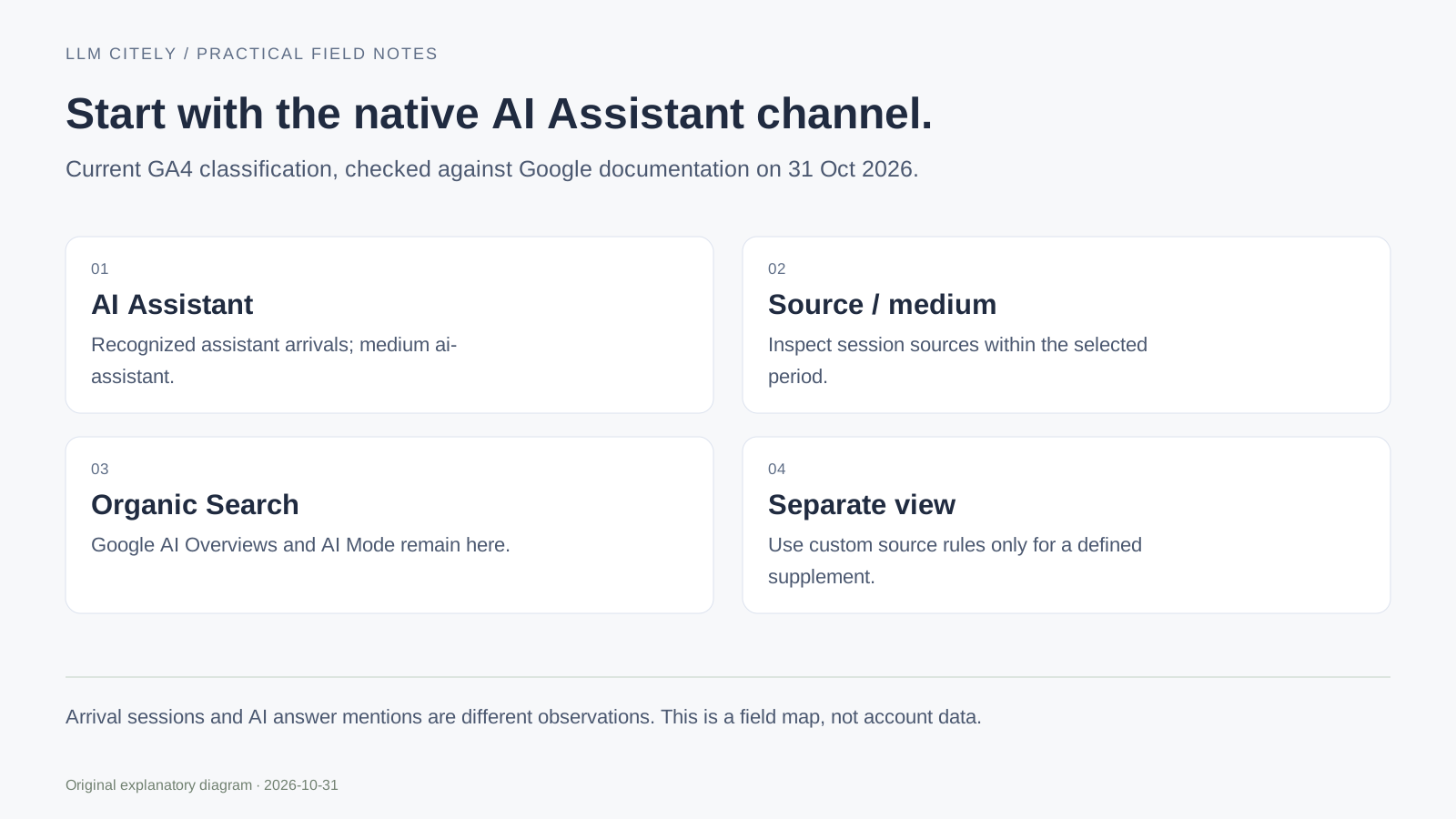
GA4 now includes an AI Assistant default channel for recognized assistant sources. Google's May 2026 update also introduced the ai-assistant medium and (ai-assistant) campaign value. Start with that native classification before building a workaround.
Open Reports → Acquisition → Traffic acquisition for the property and reporting period you want to examine. Use Session default channel group and look for AI Assistant. Add Session source / medium when you need to inspect the sources underneath it. Report layouts can be customized; confirm the active dimension rather than relying on a screenshot's column position.
Google's default-channel documentation keeps Google AI Overviews and AI Mode under Organic Search. Do not relabel all Google sessions as assistant traffic or promise an AIO-only breakdown from a referrer rule.
Keep session acquisition separate from first acquisition
Use a session-scoped acquisition view to answer which sources brought visits during the selected period. A first-user acquisition view answers how users were initially acquired; it can produce different totals for the same people.
For a working worksheet, record the property, dates, dimension scope, filters and any data-quality messages. Add landing page and the relevant key-event measure in a compatible report or exploration. Google's dimension and metric reference identifies the API fields; incompatible combinations need a different query or report.
The diagram below is an original field map. It is not a screenshot of your GA4 property. This website has not been deployed and the example does not contain customer traffic.
Read one source row without overstating it
The following counts are illustrative and exist only to explain a review:
| Session source | Session medium | Sessions | What the row can establish |
|---|---|---|---|
| chatgpt.com | ai-assistant | 12 | Recorded sessions classified for this source |
| perplexity.ai | ai-assistant | 7 | A second assistant source within the period |
| organic | 180 | Organic sessions; this row does not isolate AI Overviews | |
| (direct) | (none) | 41 | No usable acquisition source here; do not assign it to AI |
Nineteen recorded assistant-source sessions are not nineteen brand mentions, nineteen cited answers or nineteen people who saw the brand in an assistant. A session can include several events. Consent settings, redirects and missing referrers can also limit what is recorded.
Keep answer evidence in the AI visibility report separate from this arrival data.
Add a custom source view only for a defined need
A custom channel group can be useful for a deliberate alternative definition or a historical source review. It should be named and documented separately from Google's maintained default. Follow Google's custom-channel instructions, and check where your new rule sits in the channel order.
For a source field containing a hostname, this narrow example matches an explicit list rather than every domain containing ai:
^(chatgpt\.com|chat\.openai\.com|perplexity\.ai|www\.perplexity\.ai|claude\.ai|gemini\.google\.com|copilot\.microsoft\.com|grok\.com|chat\.deepseek\.com)$
Test known matches and non-matches. chatgpt.com matches; chatgpt.com.example.org does not. A full URL needs hostname normalization first. A new or missing source stays outside this example until you intentionally update the rule.
The native medium can be ai-assistant; requiring referral in every filter would miss those rows. Document your source list and review date rather than presenting a regular expression as a complete catalog of AI traffic.
Connect the visit to the action actually measured
Choose a meaningful downstream event and verify how it fires. A click on a registration button is a click, not a completed account creation. Revenue requires an actual purchase event and its own reconciliation; an assistant-source session is not proof of incremental sales.
Compare the same property, period and definitions. Check a small number of landing-page sessions and their event behavior before drawing conclusions from a chart. An empty row can reflect no traffic, missing collection or a filter issue; it does not prove that no assistant mentioned the brand.
If you are preparing a client handoff, record the definitions and uncertainty with the result. The action-plan template can assign a tracking fix or a follow-up review without promising an AI ranking outcome.
Save the view and its interpretation
Keep a screenshot or export of the actual view, the selected dates and the source definitions you used. Reopen the same report for the next period and note any classification, consent, property or event changes.
LLM Citely has Google-connection code under validation; this public guide does not claim that a real account has already been connected or that the product can attribute every answer to a session. You can follow the GA4 steps independently of that connection.
For answer-side evidence, start with how to measure AI visibility. For an editorial follow-up, use the content-brief workflow.
Questions, answered.
Do I still need to create an AI channel from scratch?
Check the native AI Assistant channel first. Create a separately documented custom view only when you need a different definition or supplemental review.
Can this isolate all Google AI Mode and AI Overview visits?
No. Google documents them under Organic Search. A generic Google source row or an AI-assistant hostname rule does not isolate those experiences.
Why does this not match my brand mention rate?
Visits and sampled answers count different activities. Missing referrers and collection limits also affect the observed data.
Sources and further reading
- Google: current default channels, including AI Assistant
- Google Analytics: May 2026 AI Assistant update
- Google: custom channel groups
- Google: Data API dimensions and metrics
Examples marked illustrative are not customer measurements.