Choose the task and Page Owner first
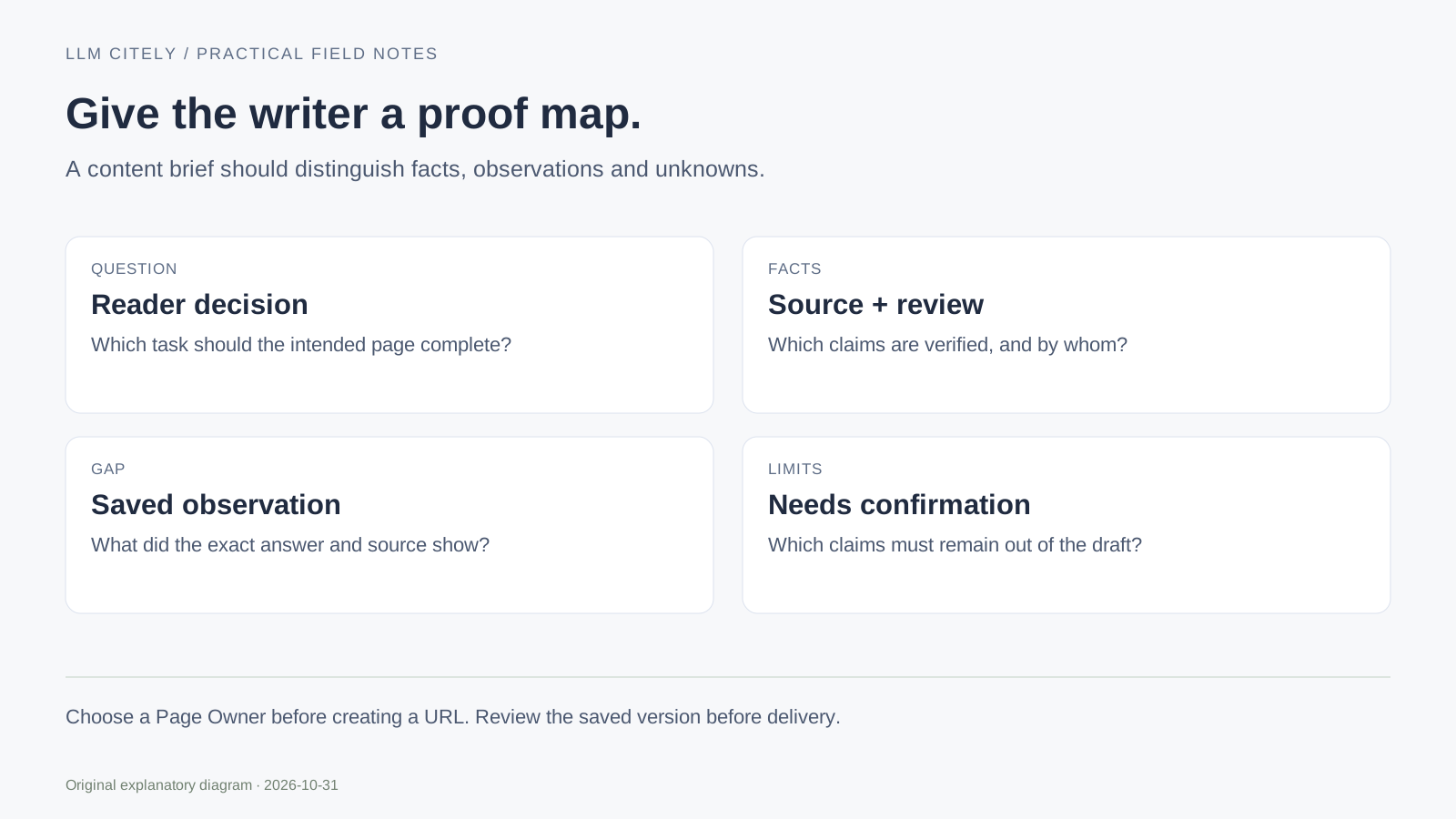
Write the question the reader needs answered, the situation they are in and the page that should complete that task. A useful brief can describe an update to an existing page; it does not need to create a new URL.
Do not replace a concrete reader task with a list of keyword variants. A comparison needs decision criteria and limits. An operating guide needs steps and a visible result. A downloadable worksheet needs fields and a usable file.
The citation-gap walkthrough shows how to make that page decision from evidence.
Make a proof map, not a pile of URLs
For each factual claim, identify its source, review date and the person who confirmed the interpretation. An official feature page can document a feature; it does not automatically prove a particular account has it enabled or that it produces a business result.
Keep the recorded AI observation in the gap field. Keep the product fact in the verified-facts field. Put a proposed explanation or unknown limit in the unverified-claims field so the writer can avoid turning it into a confident promise.
| Brief input | Evidence to attach | Limit to preserve |
|---|---|---|
| Product fact | Current official page or verified product behavior | Account and version scope |
| AI observation | Exact question, surface, date and saved answer | One sample is not a permanent rank |
| Editorial change | Existing page and concrete missing information | More words are not the acceptance condition |
| Planned follow-up | Stable question baseline and review date | A later change does not prove causation |
Tell the writer what the page must deliver
Specify the output: a table, a reproducible procedure, an edited passage, a working input/result example or a downloadable file. State the failure situations and limitations a reader must understand.
Place the screenshot or diagram beside the step it explains. Label fictional sample data. A decorative picture cannot establish that a feature works, and a screenshot without context can hide the version or account state.
The public editor below creates a Markdown brief from your fields. It does not ask a model to generate an article, inspect private source material or authenticate the claims you type.
Review the handoff before expanding it
Ask the reviewer to check the selected page, fact-to-source mapping, product limits and acceptance condition. If a fact is missing, assign verification before drafting around it.
The illustrative brief uses a robots rule-review task. It deliberately distinguishes a supplied Allow rule from actual access. That distinction should survive editing and publication; a writer must not shorten it into “ChatGPT can fetch and cite the page.”
Use the action plan for the named owner and next review. The content workbench explains how an account draft can keep its source context and version history.
Export the brief you actually reviewed
Prepare the brief, inspect the text preview and download Markdown. Input changes clear the prepared output so the file cannot silently describe old fields. Clear inputs when the work is finished; this template does not store the brief in an account.
Before using the file with another service, review its contents and remove material you do not intend to share. The download itself does not send anything to an AI provider or publisher.
For the final content process, continue with AI search optimization. A helpful page needs supported information and a complete reader task, not a guaranteed number of words or headings.
Questions, answered.
Does the template generate an article?
No. It turns your structured inputs into a brief for an editor. Facts and source interpretation still need review.
Can the brief point to an existing page?
Yes. Improving the existing Page Owner is often the appropriate task. A new URL needs its own distinct reader need.
Sources and further reading
Examples marked illustrative are not customer measurements.